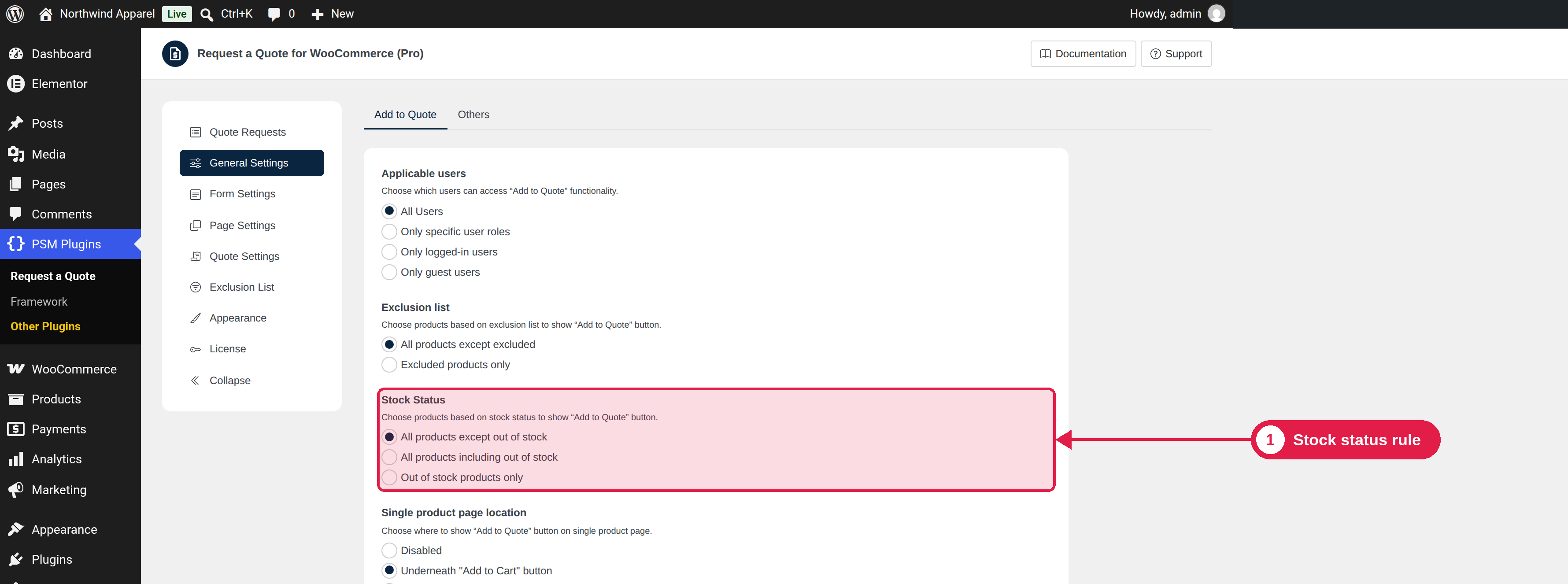
This Pro setting shows or hides the Add to Quote button depending on the stock status of the product. A popular use is to show the button only when a product is out of stock, so customers can ask when it will be back.
Plugin Pro only
Where PSM Plugins → Request a Quote → General Settings
Options
Option
What it does
All products except out of stock (default)
The button shows only on products that are in stock.
All products including out of stock
The button shows on every product.
Out of stock products only
The button shows only on out-of-stock products. Variable products always show the button, because their stock depends on the chosen option.
Stock status must be managed in WooCommerce
The plugin reads the stock status that WooCommerce saves for each product. Turn on stock management in WooCommerce → Settings → Products → Inventory if you want it to change by itself.