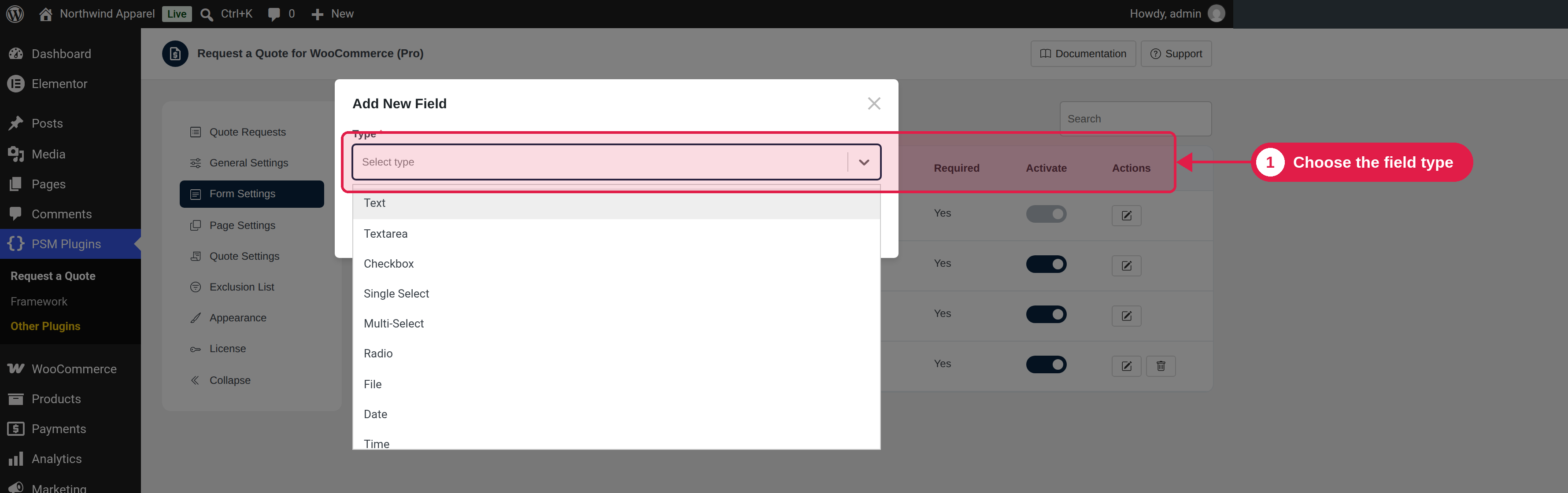
A checkbox the customer must tick, for example “I agree to the terms”. You can use simple HTML such as links in the text.
Heading
A title and sub-heading to split the form into parts. It does not collect an answer.
Divider
A line between fields.
Settings you can use
Setting
What it does
Placeholder / Default value
Example text, or a value that is filled in when the form opens.
Required
The field must be filled in.
Options
The choices for Checkbox, Radio, Single select and Multi select fields.
Min / Max character length
For text fields: shortest and longest answer.
Validation
Choose a ready-made rule, or Custom to type your own regular expression (regex) and an error message.
Date and time settings
Date range (past, future or between two dates), time range, and 12-hour format.
Extra info
A small help text under the field.
CSS class
Your own CSS classes.
Need a regex?
If you are not sure how to write a regular expression, describe the rule you want to a tool like ChatGPT or Gemini and ask it to write the regex for you.
Where answers are shown
Answers are saved with the quote request. You can see them in the Quote Request box on the order page. In the PDF, you can choose which answers to show. See PDF templates.
Change, copy and delete
Use the buttons on each field to edit, duplicate, or delete it. Deleting asks you to confirm. You can also turn a field off with Active instead of deleting it.