Attachments in quote emails

You can send extra files together with a quote, for example a data sheet or terms of sale. Customers get the files in the email and on the quote page.

Plugin Pro only
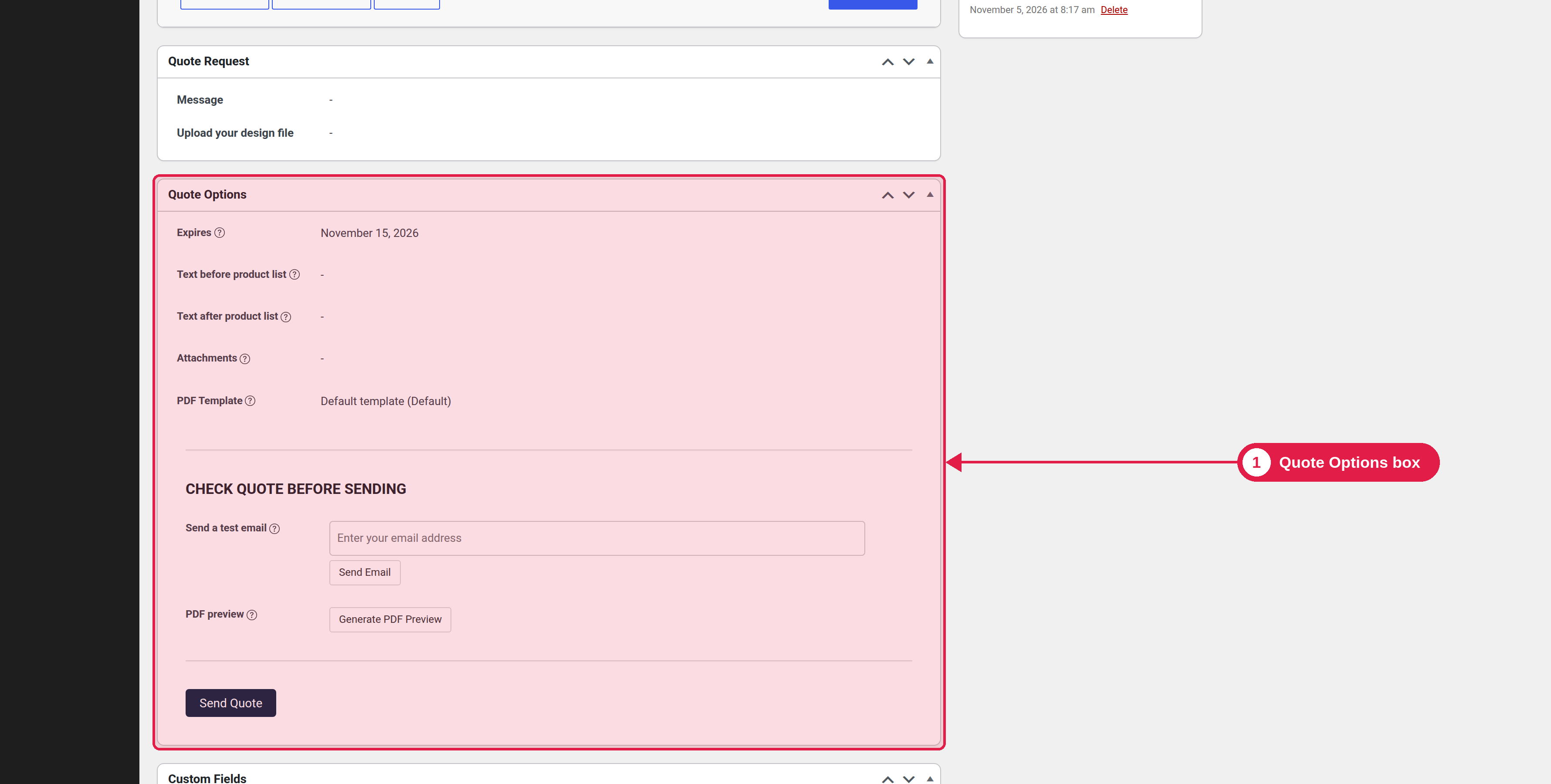
Where Quote Options box; PSM Plugins → Request a Quote → Quote Settings → General

Attach files to a quote

  1. Open the quote order.
  2. In the Quote Options box, find Attachments.
  3. Click Upload and choose the files.
  4. Send the quote. The files are attached to the email, and listed on the quote details page.

To remove a file, delete it and confirm.

Limit the files

In PSM Plugins → Request a Quote → Quote Settings → General, set:

Setting
What it does
Default
Allowed extensions
File types you can attach. Start each with a dot, separated by commas.
.pdf,.jpg,.jpeg,.png
Max file size (MB)
The biggest size of one file.
10

What are your feelings

  • Happy
  • Normal
  • Sad