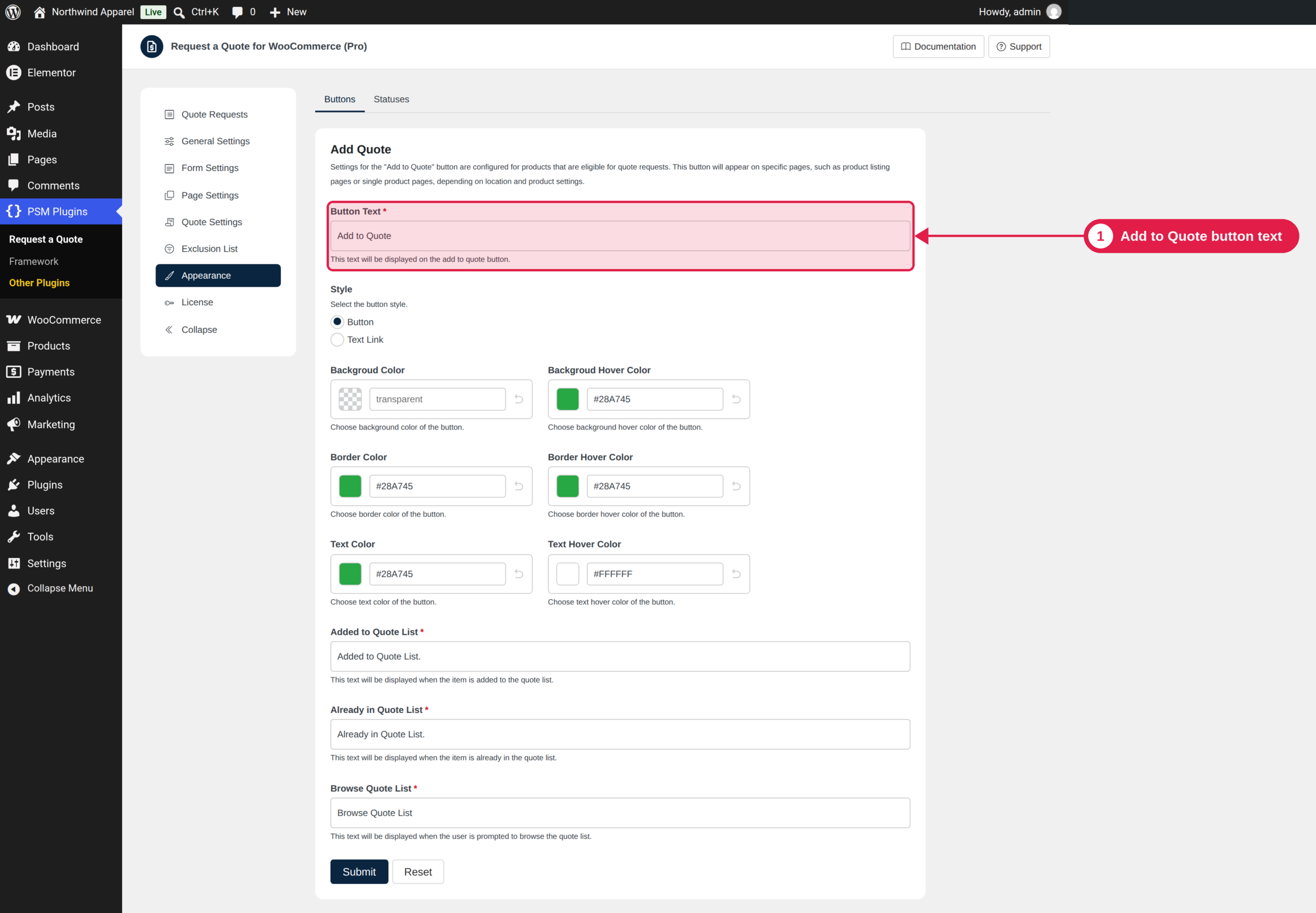
You can change the text and the colours of all buttons that customers see: Add to Quote, Accept, Reject, and in Pro, Request a Quote and Ask New Quote.
Plugin Free and Pro
Where PSM Plugins → Request a Quote → Appearance → Buttons
Settings of every button
Setting
What it does
Button Text
The words on the button.
Style
Button (a box) or Text Link (a plain link).
Background Color / Background Hover Color
The fill colour, and the fill colour when the mouse is over the button.
Border Color / Border Hover Color
The border colour, and the border colour on hover.
Text Color / Text Hover Color
The text colour, and the text colour on hover.
Use hex colours such as #28A745. Leave the background empty for a transparent button.
Add to Quote button
Besides the common settings, it has three messages:
Added to Quote List: shown after a product is added.
Already in Quote List: shown if the product is already in the list.
Browse Quote List: the link text that opens the quote list.
Accept and Reject buttons
The Accept and Reject buttons are shown on the quote page and in the quote email. Reject has more settings for its confirmation page:
Setting
What it does
Confirmation Heading / Message
The title and the text on the page where the customer confirms the rejection.
Reason
Disabled, Enabled, Optional or Enabled, Required. It controls if the customer can or must give a reason.
Reason Label / Placeholder
The label and the grey help text of the reason box.
Reason Required Error Message
The error shown when a required reason is empty.
Confirm Button Text / Cancel Button Text
The text of the two buttons. Cancel returns to the quote.
Post submission action
What happens after the rejection is confirmed: show a message, go to a thank you page, or go to the quote page.
The colours you set in Appearance are applied with high priority. To change a colour with your own CSS, use the settings in this tab instead, or add !important to your rule.