
PSM Multi Currency lets your WooCommerce store show prices in many currencies. A customer from Europe can see euros. A customer from the UK can see pounds. Your customers can also pay in the currency they chose.
You set one main currency for your store (your store currency). The plugin converts your prices from that currency to the others, using exchange rates that you control.
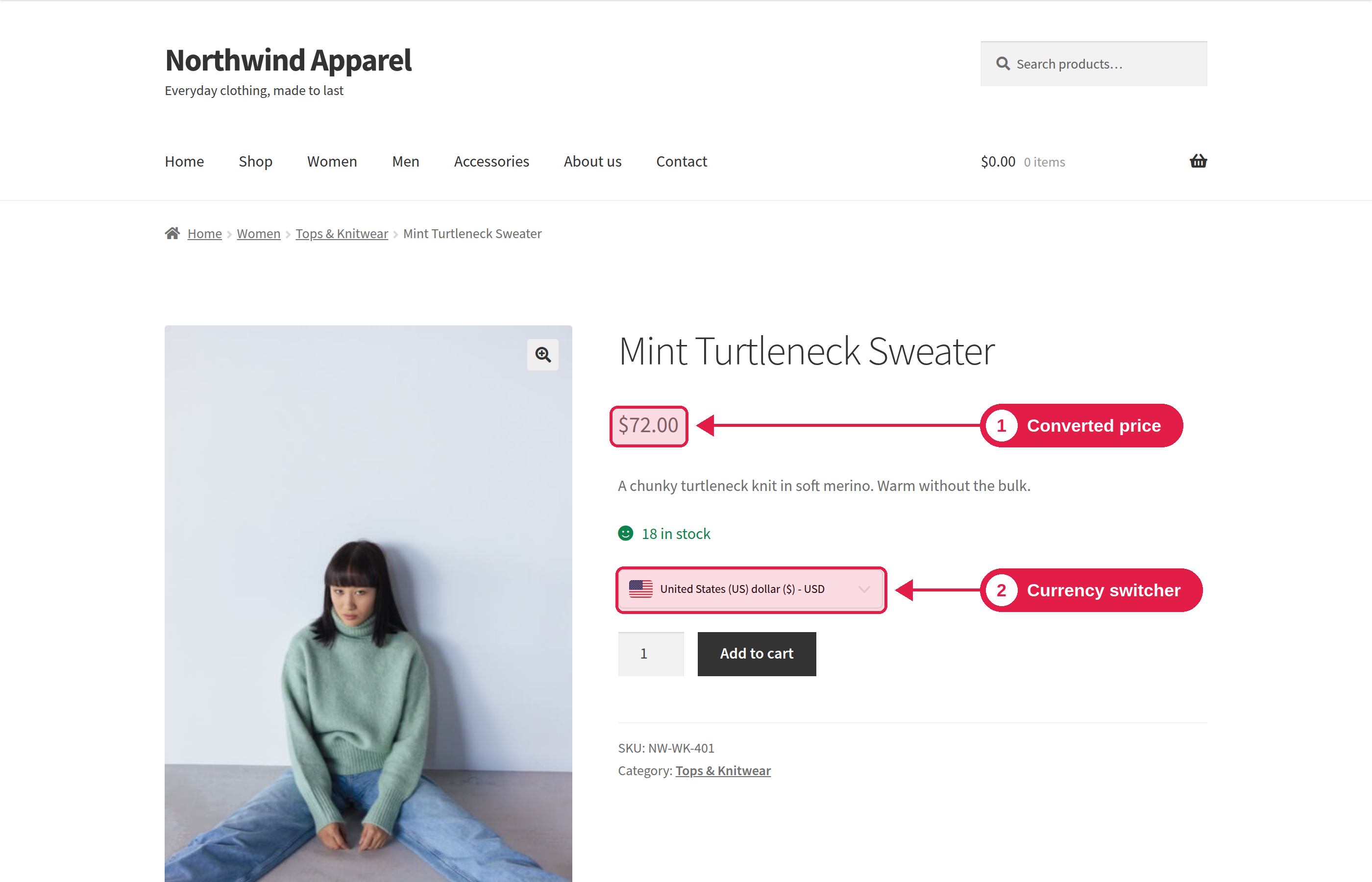
What you can do
- Add as many currencies as you need.
- Get exchange rates automatically, or type your own rates.
- Add a fee to the converted price, and round prices to clean numbers like 19.99.
- Show a currency switcher on your site with a block, an Elementor widget or a shortcode.
- Let customers pay in the currency they chose, and choose which payment methods each currency can use.
- See WooCommerce sales reports for each currency.
- Pro: show the right currency to a visitor automatically, based on their country.
How it works
- You add currencies and set the exchange rate for each one. See Manage Currencies.
- A customer picks a currency with the currency switcher. The plugin remembers the choice in the customer’s browser, so the same currency is used on the next page and on the next visit.
- Prices are converted when they are shown. Your real product prices in WooCommerce do not change. The plugin only converts them for display, using your rate, fee and rounding settings. This also applies to shipping costs and fixed coupons.
- The customer checks out. The cart and checkout use the chosen currency. You can limit which currencies are accepted at checkout and which payment methods are shown. See Checkout Settings.
- The order is saved with its currency and the exchange rate used at that time. This is used for your reports.
You do not need to enter a price for each currency. You enter one price in your store currency, as you always do. If you stop using the plugin, your products still have their original prices.
Free and Pro
The free plugin has everything you need to sell in many currencies. The Pro plugin adds automation: automatic currency by country, scheduled rate updates, more exchange rate services and more checkout rules. See Free vs Pro for the full list.