How the quote process works

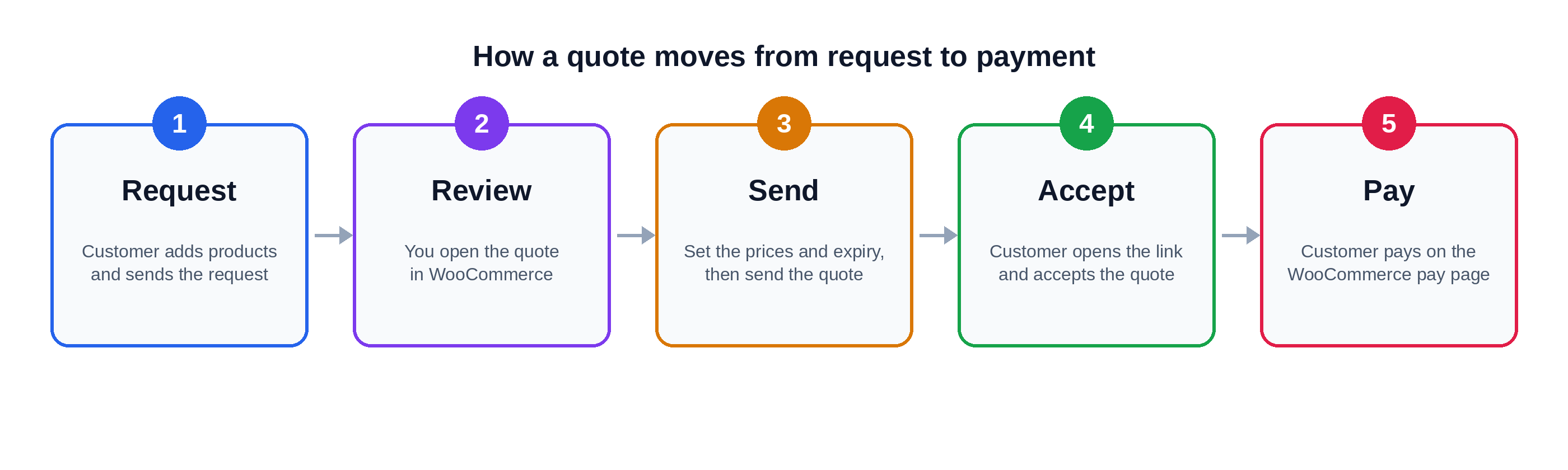
This page shows the full journey of a quote, from the first click to the payment. It also shows what you do and what your customer does at each step.

Plugin Free and Pro

The steps

Step
Who
What happens
Status
1
Customer
Adds products to the quote list with the Add to Quote button.
–
2
Customer
Opens the Request a Quote page, fills in the form and clicks Submit.
New Quote Request
3
Plugin
Saves the request as a WooCommerce order. You get an email, and the customer gets a confirmation email.
New Quote Request
4
You
Open the order, set the prices and an expiry date, and click Send Quote.
Pending Quote
5
Customer
Opens the quote from the email or from My Account, and reads it.
Pending Quote
6a
Customer
Clicks Accept. The customer goes to the payment page to pay.
Pending payment (WooCommerce)
6b
Customer
Clicks Reject, and can give a reason. You get an email.
Rejected Quote
6c
Plugin
If the customer does nothing, the quote expires on the expiry date.
Expired Quote

The four quote statuses

Status
Meaning
New Quote Request
A customer sent a request. It waits for you.
Pending Quote
You sent the quote. It waits for the customer to answer.
Expired Quote
The expiry date passed before the customer answered.
Rejected Quote
The customer rejected the quote.

You can rename these statuses and change their colours. See Status labels and colours. For more detail, see Quote statuses.

What the customer can do

Customers can see all of their quotes in My Account. Each quote also has its own link, which is sent in the email. See View, accept and reject a quote.

What are your feelings
  • Happy
  • Normal
  • Sad