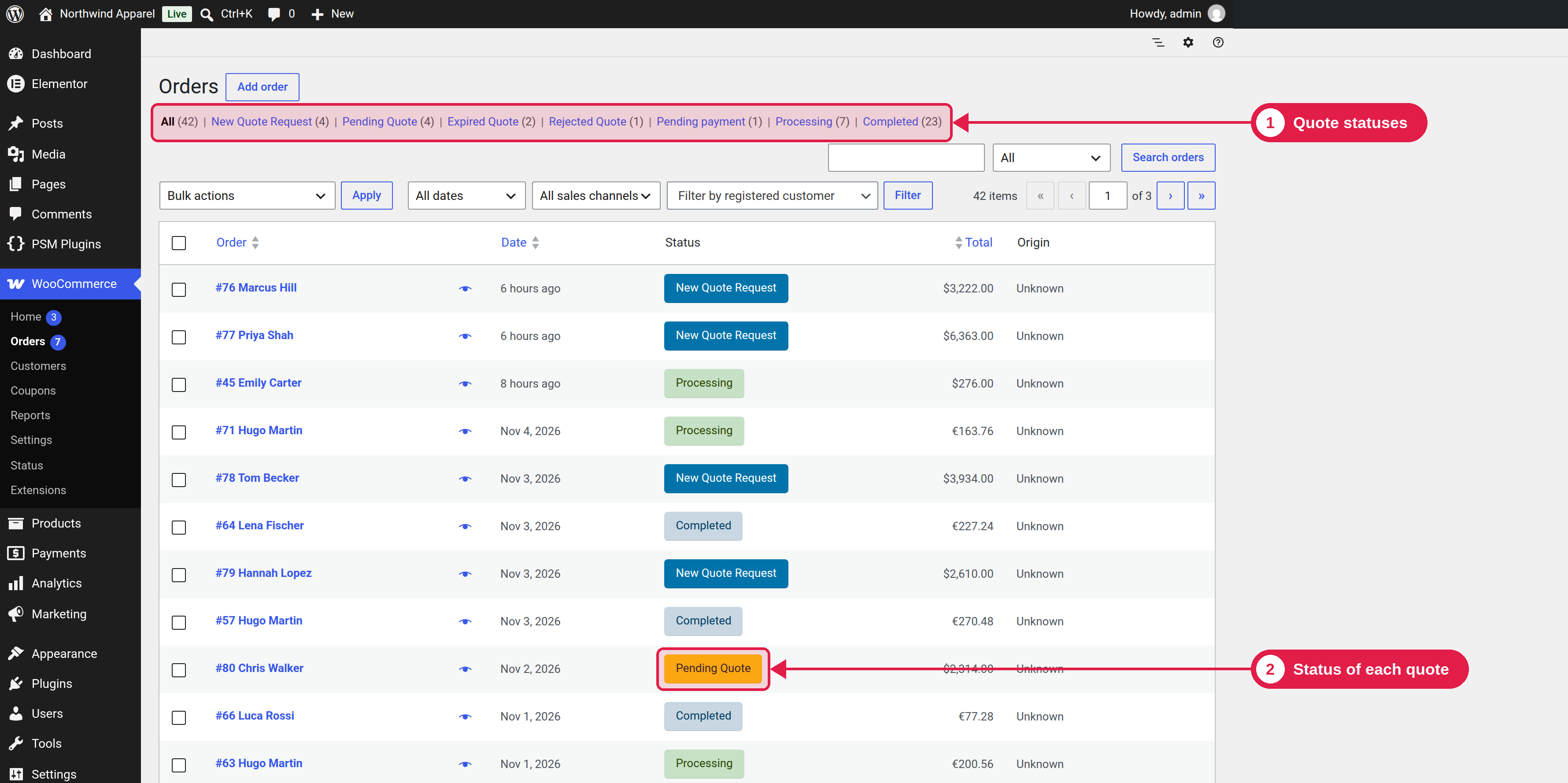
Every quote has a status. The status shows where the quote is in the process, and it is shown in your order list, in the customer’s account and on the quote page.
Plugin Free and Pro
The statuses
Status
Starts when
What can happen next
New Quote Request
A customer sends a request.
You send the quote, so it becomes Pending Quote.
Pending Quote
You send the quote.
The customer accepts (Pending payment), rejects (Rejected Quote), or the quote expires (Expired Quote).
Expired Quote
The expiry date passes.
The customer can ask for a new quote (Pro), or send a new request.
Rejected Quote
The customer rejects the quote.
The customer can ask for a new quote (Pro), or send a new request.
After the customer accepts
When the customer accepts a quote, the order moves to the normal WooCommerce status Pending payment. After payment, WooCommerce uses its usual statuses, such as Processing and Completed.
Change a status by hand
You can change the status in the order page, in the order list, or with a bulk action in Quote requests list. Quote statuses are shown at the top of the status list.