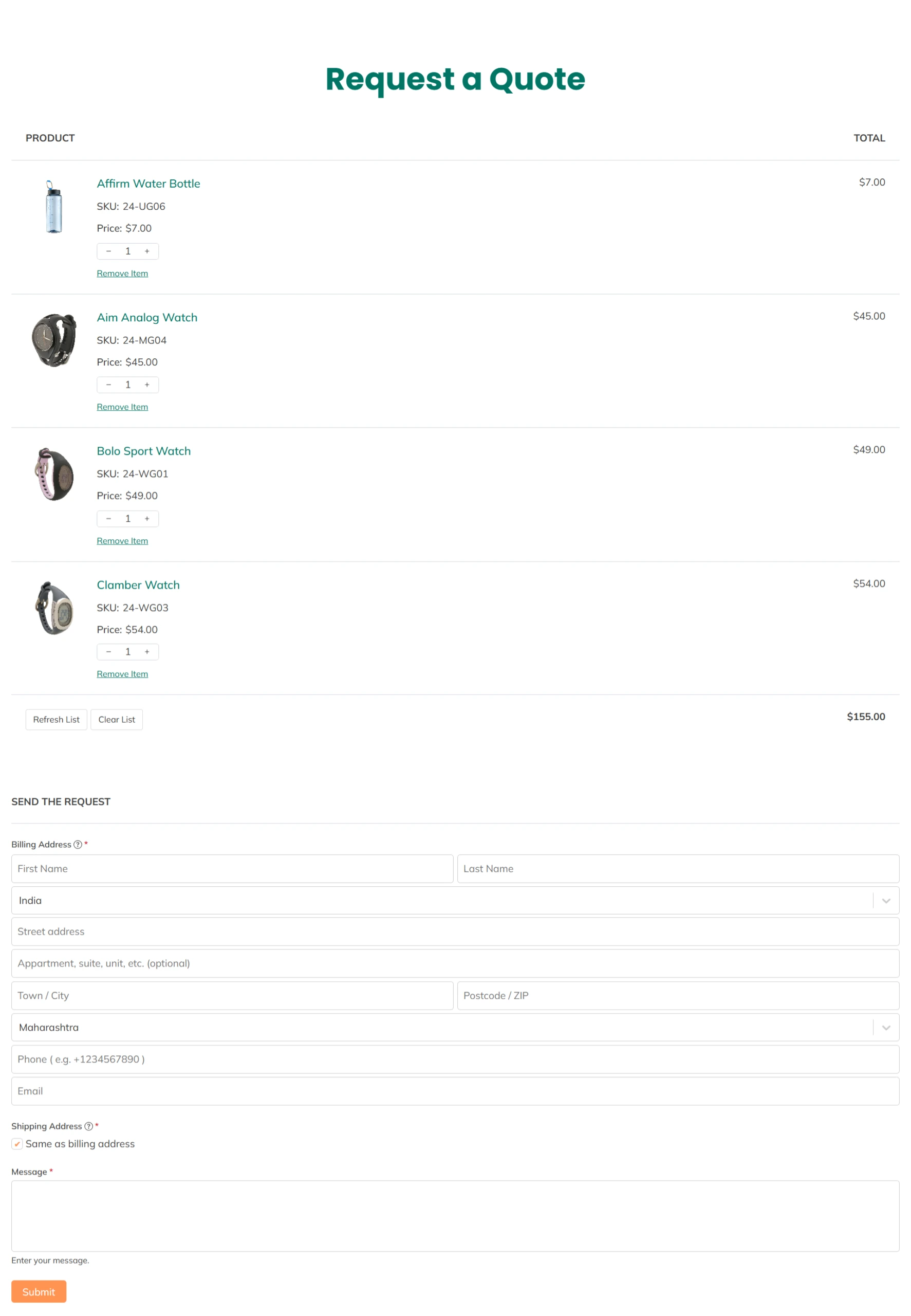
The PSM Request a Quote plugin uses a shortcode to display the quote form and quote list on a page.
Default Shortcode
[psmraq]
This shortcode shows:
The quote product list
The request a quote form
Both appear together on the same page.
How to Use the Shortcode
Go to Pages → Add New or edit an existing page.
Paste the shortcode
[psmraq]into the page content.Publish or update the page.
Select this page in Page Settings → “Request a Quote” Page.
Where to Use It
You can add the shortcode in:
WordPress page editor (Block or Classic)
Elementor shortcode widget
Any page builder that supports shortcodes
Important Notes
The shortcode is required for the Request a Quote page to work.
Without the shortcode, the quote form and list will not appear.