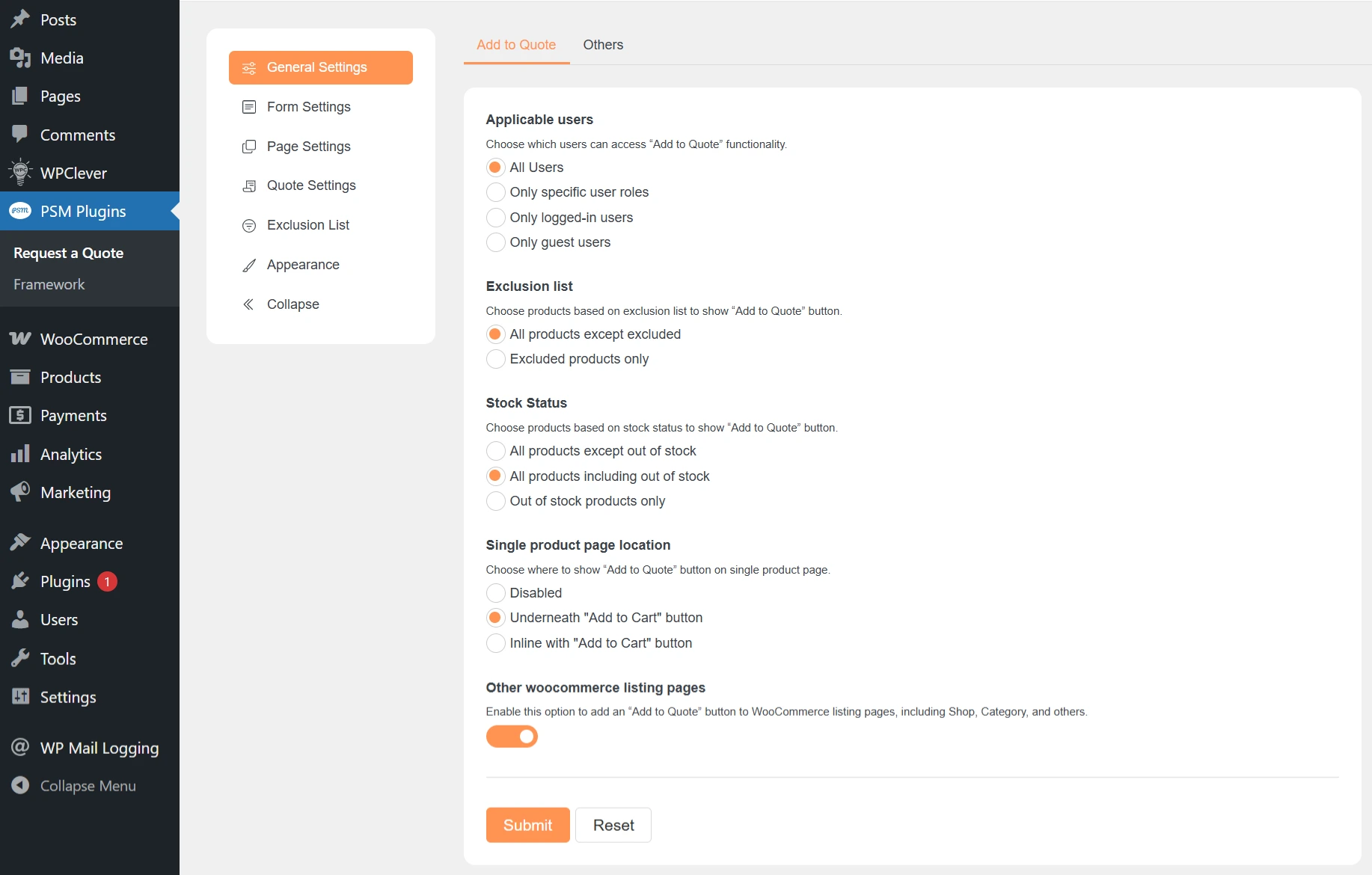
PSM Plugins → Request a Quote → General Settings → Add to Quote
The Add to Quote settings control who can add products to a quote and where the Add to Quote button is shown on your store.
Applicable Users
This setting decides which users are allowed to use Add to Quote.
All users
Both logged-in users and guests can add products to a quote.Only specific user roles
Only selected user roles(including custom roles) can add products to a quote.Only logged-in users
Guests cannot see or use the Add to Quote button.Only guest users
Logged-in users cannot use Add to Quote.
Exclusion List
This setting decides which products will show the Add to Quote button.
All products except excluded
The Add to Quote button appears on all products, except those added to the exclusion list.Excluded products only
The Add to Quote button appears only on products added to the exclusion list.
Stock Status
This setting controls Add to Quote based on product stock availability.
All products except out of stock
The button is shown only for in-stock products.All products including out of stock
The button is shown for all products, even if they are out of stock.Out of stock products only
The button is shown only for out-of-stock products.
Single Product Page Location
This setting controls where the Add to Quote button appears on the product page.
Disabled
The Add to Quote button is hidden on the product page.Underneath “Add to Cart” button
The Add to Quote button appears below the Add to Cart button.Inline with “Add to Cart” button
The Add to Quote button appears next to the Add to Cart button.
Other WooCommerce Listing Pages
Enable this option to show the Add to Quote button on listing pages, such as:
Shop page
Category pages
Other WooCommerce product lists
Save Changes
Click Submit to save your settings.