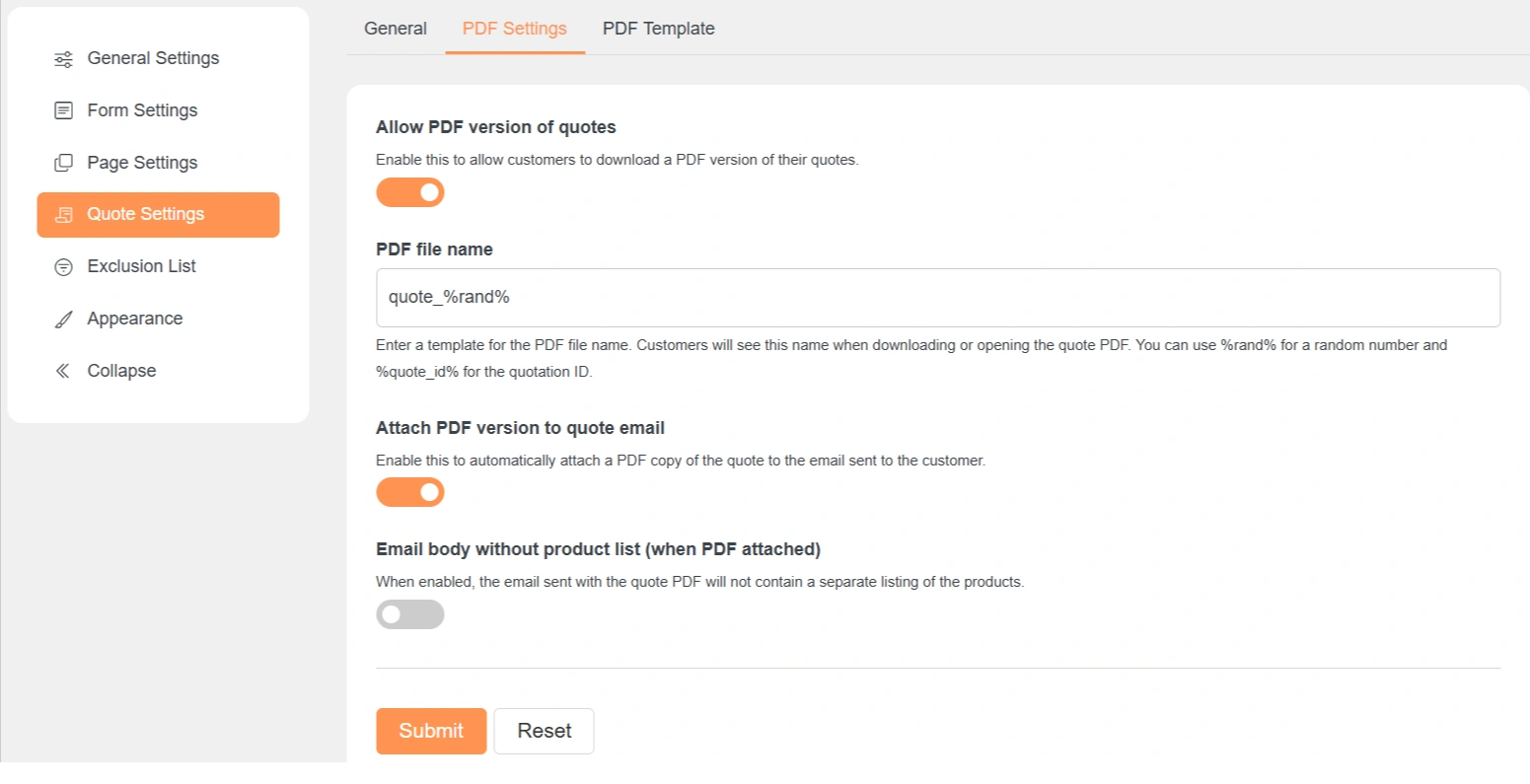
Quote Settings – PDF Settings
These settings control how quote PDFs are created and sent to customers.
Allow PDF Version of Quotes
When enabled, customers can download their quote as a PDF file.
The PDF link is available after the quote is created.
PDF File Name
Sets the name of the PDF file.
Customers see this name when downloading the PDF.
You can use:
-
%rand%for a random number -
%quote_id%for the quote ID
Example: quote_%quote_id%
Attach PDF Version to Quote Email
When enabled, the PDF is attached to the quote email.
Customers receive the PDF directly in their inbox.
No manual attachment is required.
Email Body Without Product List (When PDF Attached)
When enabled, the email body will not show the product list.
All product details will be available only in the PDF.
This keeps the email short and clean.