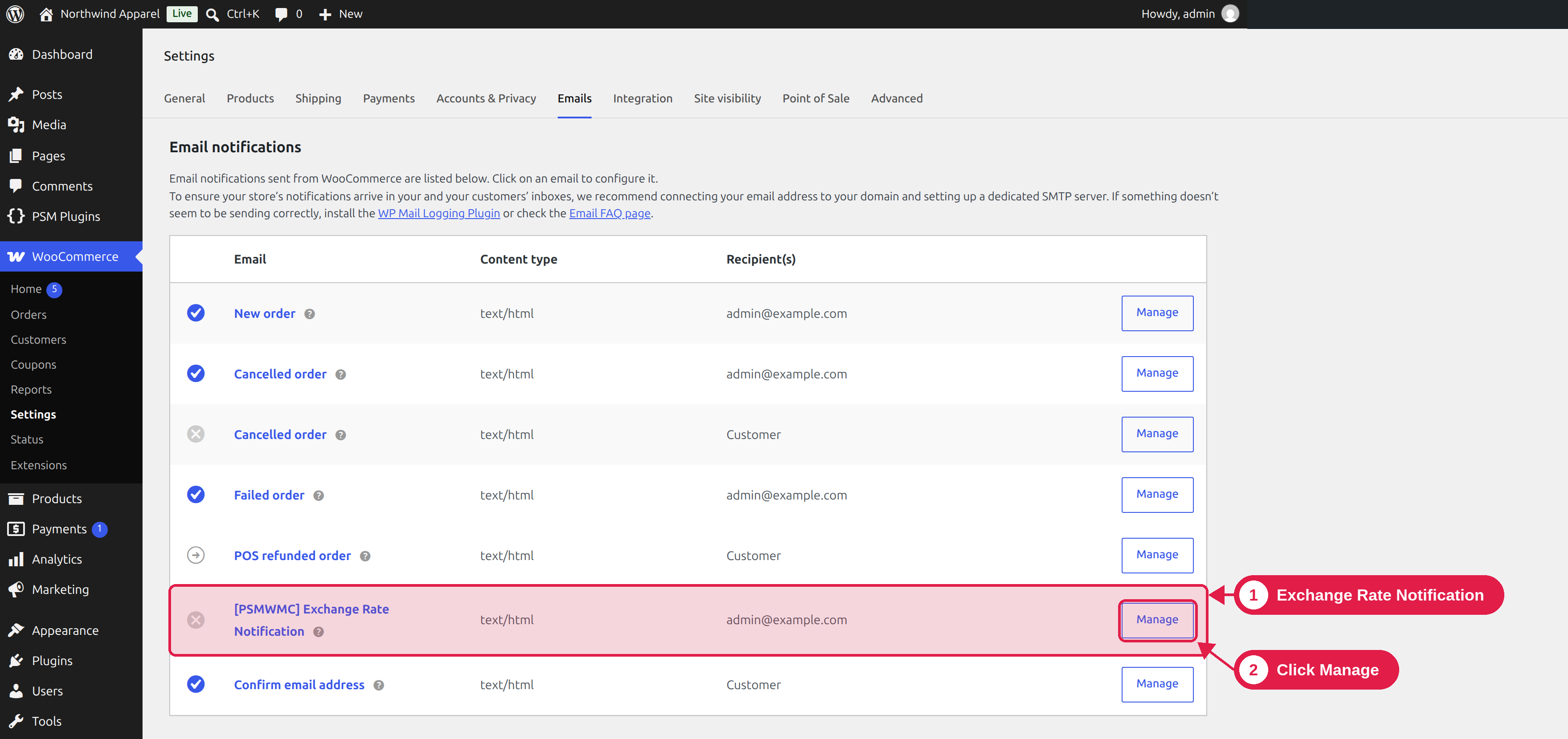
The plugin can send you an email each time your exchange rates are updated automatically. This is useful to know that the updates are working.
Plugin Pro only
Where WooCommerce → Settings → Emails
Turn it on
- Go to WooCommerce → Settings → Emails.
- Click [PSMWMC] Exchange Rate Notification.
- Turn on Enable this email notification.
- Change the Subject if you like. The default is “Exchange Rates Updated”.
- Click Save changes.
It is off by default
The email is not sent until you turn it on.
Details
- Who gets it: the store administrator email address (the one in Settings → General).
- When it is sent: each time the scheduled update runs. See Auto-update exchange rates. If you update every hour, you get an email every hour.
- What it says: that the exchange rates have been updated successfully.
- Format: HTML.
Too many emails?
Turn the email off, or update the rates less often.