
PSM Request a Quote lets your customers ask for a price instead of buying at once. It is made for stores where the price is not fixed, for example B2B, wholesale, bulk orders and custom products.
A customer adds products to a quote list and sends a request. You check the request, set your price and send a quote. If the customer agrees, they pay for the quote on your WooCommerce store.
Plugin Free and Pro
Works with WooCommerce
Where PSM Plugins → Request a Quote
What you can do
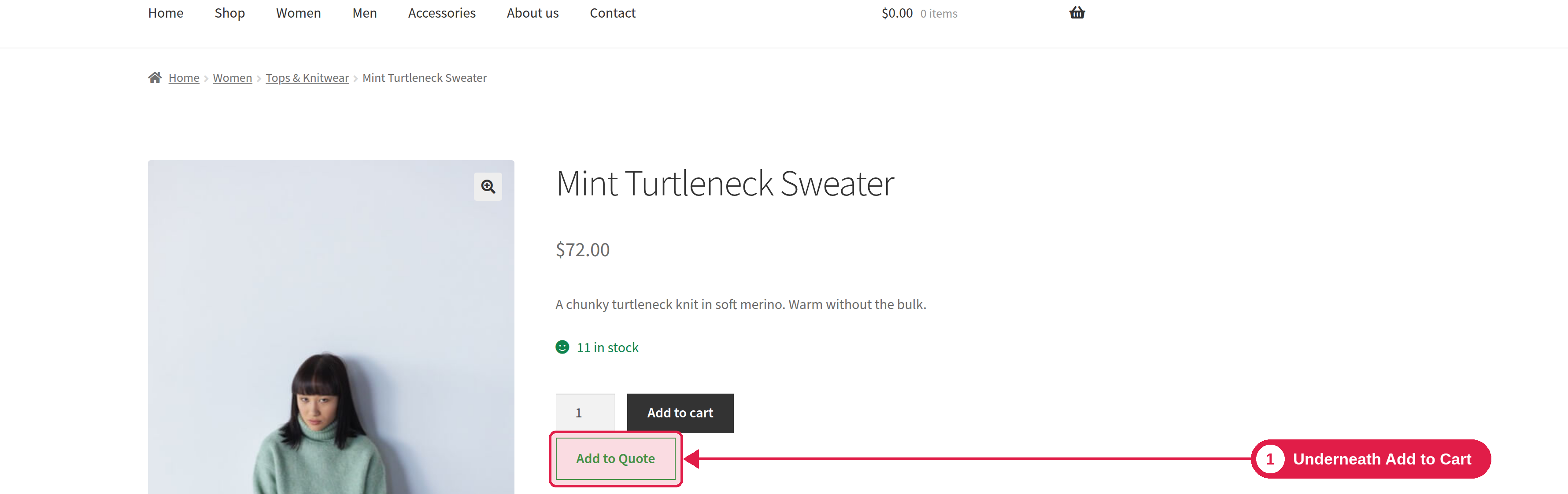
- Show an Add to Quote button on product pages, the shop page and category pages.
- Hide prices and the Add to Cart button, so customers can only ask for a quote.
- Collect details with a request form. Guests and logged-in customers can both send requests.
- Manage every request from your WooCommerce orders. Change prices, taxes and quantities, and set an expiry date.
- Send the quote by email. The customer can accept it, reject it, or print it.
- Protect your form from spam with Google reCAPTCHA or Cloudflare Turnstile.
- Pro: custom form fields, PDF quotes with templates, reminder emails, automatic quotes, and an exclusion list.
Quotes are WooCommerce orders
Every quote request is saved as a WooCommerce order with a special quote status. This keeps your work simple:
- You find all requests in WooCommerce → Orders, and also in a list inside the plugin.
- When the customer accepts the quote, the same order moves to Pending payment and the customer pays for it with your normal WooCommerce payment methods.