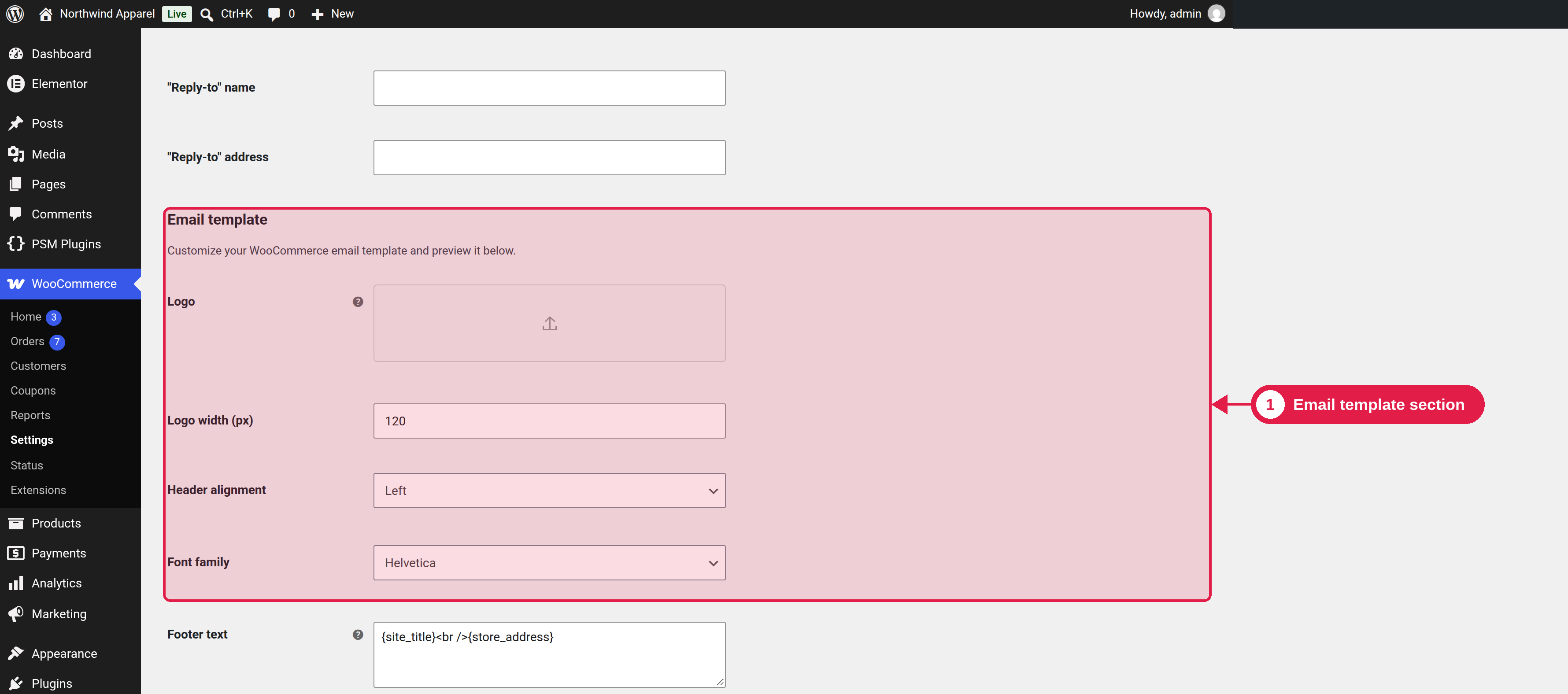
All quote emails use the WooCommerce email system. This means you can change their look in the same place as your other store emails.
Plugin Free and Pro
Where WooCommerce → Settings → Emails
Change the design for all emails
On the main Emails page of WooCommerce → Settings → Emails, scroll to Email template. There you can set the header image (your logo), footer text, base colour, background colour and font. These settings are used by the quote emails too.
Change one email
Click the name of an email, for example [PSMRAQ] Send Quote, to change its subject, heading and text. See Email overview.
Check that emails arrive
Use Send a test email in a quote to test the quote email.
If emails do not arrive, use an SMTP plugin to send mail from your own address, and check the spam folder.
If you use a Pro PDF attachment, make sure your mail service accepts attachments of that size.